03 · Actions
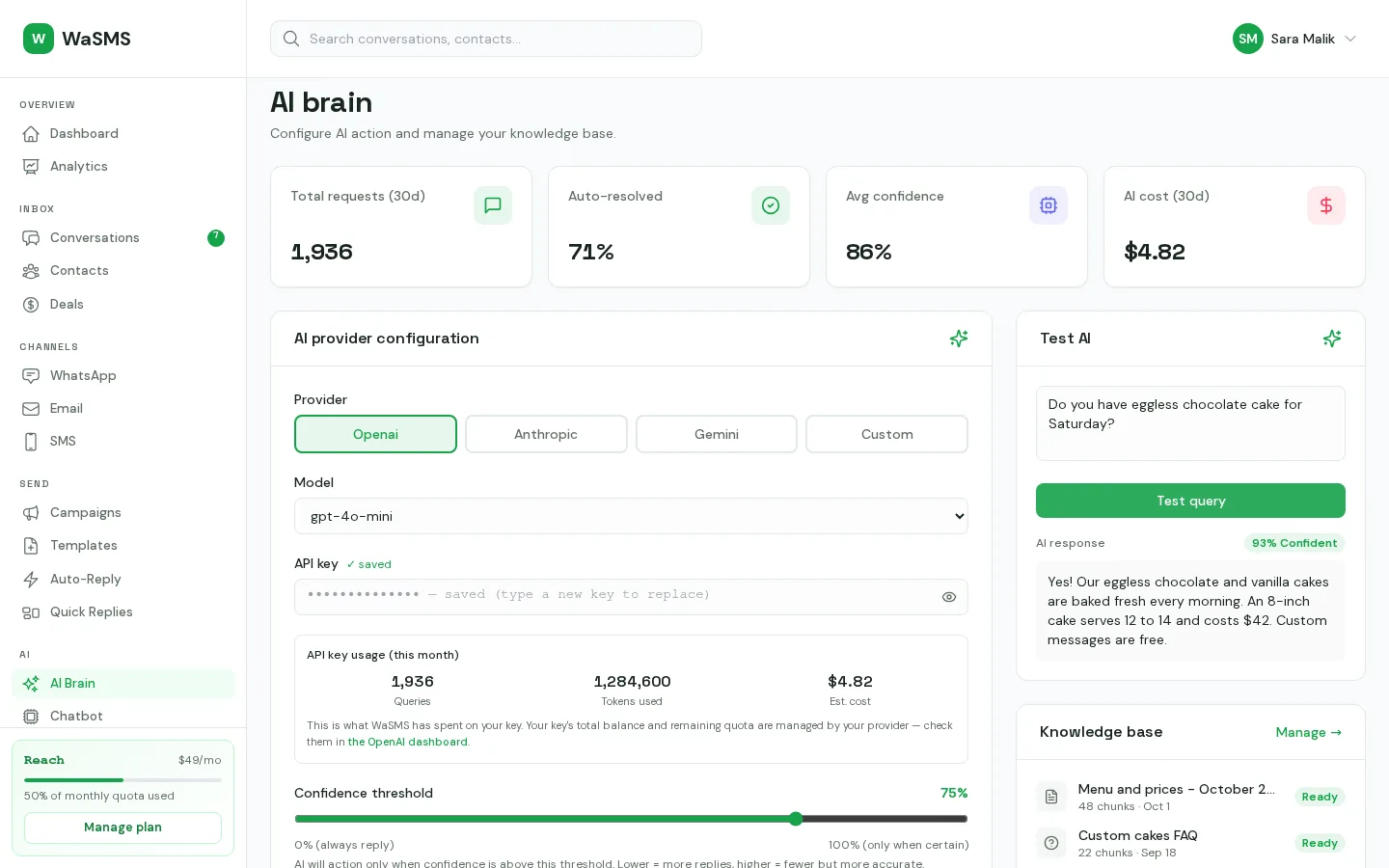
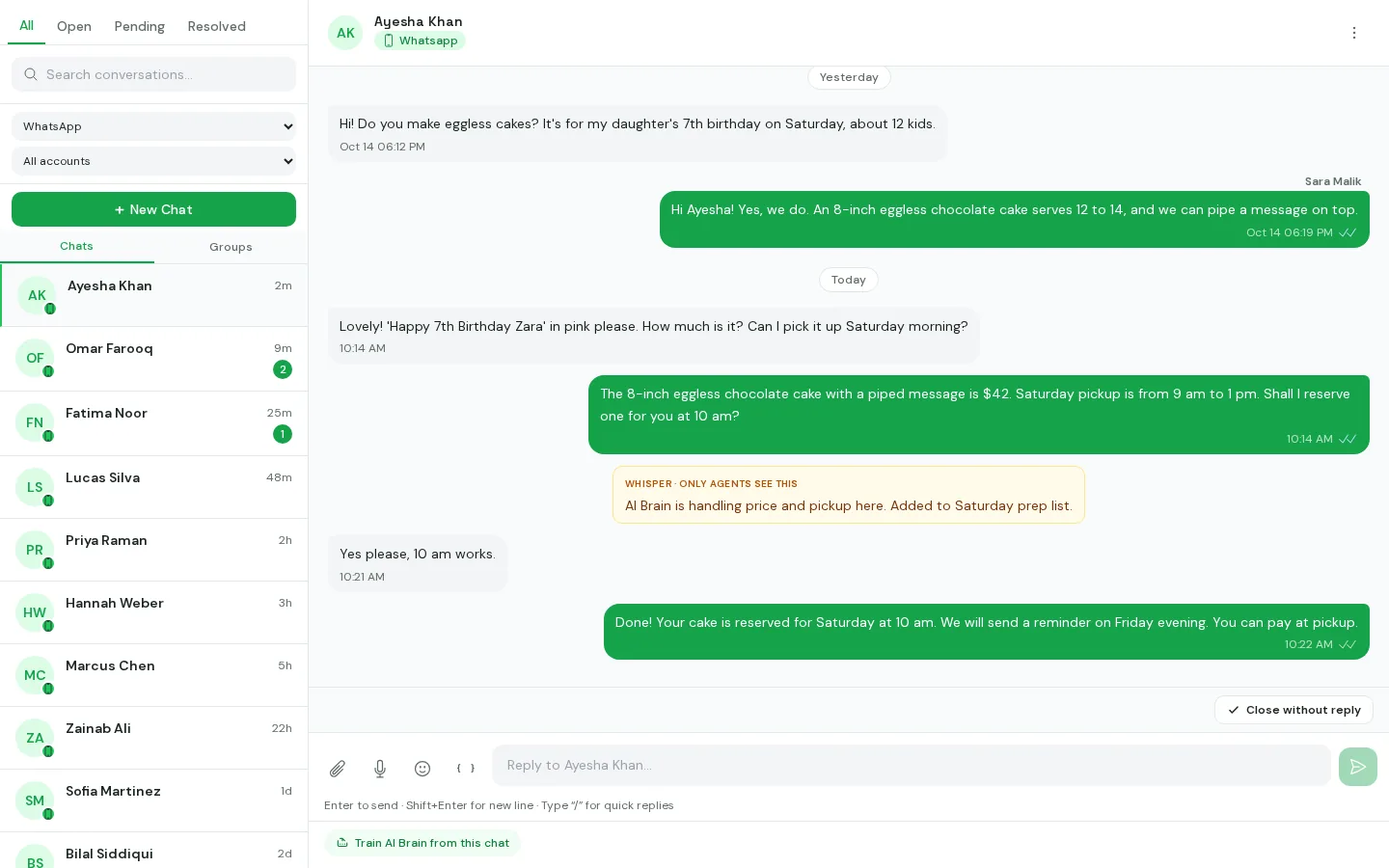
AI actions: the AI answers, then takes care of the small jobs.
After the AI answers a WhatsApp message, it can tag the contact, save a name or email the customer gave, close a finished chat, hand the chat to your team, or send the details to your own system. Every action starts off. For each one you choose Ask me first or Automatic.
- Free plan
- No card needed
- No fees per message
How AI Actions run
1
Turn on the actions you want
Tag the contact, save contact details, close the chat, hand over to a person, tell your own system. Everything else stays off.
2
Ask me first
The AI lists what it wants to do and why. You approve it or turn it down.
3
Automatic, with undo
Once you trust an action, set it to Automatic. Every action is logged with its reason, and you can undo tags, saved details, closed chats and hand-overs in one tap.
- Off, Ask me first or Automatic, for each action
- Every action logged with the AI's reason
- Limits: 3 per message, 10 per customer an hour, 60 an hour in total
- Tell your own system: a signed request to the web address you choose
- One-tap undo for tags, contact details, closed and handed-over chats
- Never sends money, deletes data or messages anyone